Appointments & service billing
Prepare these details for your business setup:
- Treatment or service description
- Appointment and staff reference
- Duration and service price
- Retail product and consumption unit
 SmartFBRInvoicePakistan Tax & POS Management SystemOpen Software ↗Explore POS ↗
Point of sale software for barber shop businesses. Explore the catalog, transaction flow and reporting needs for your business.
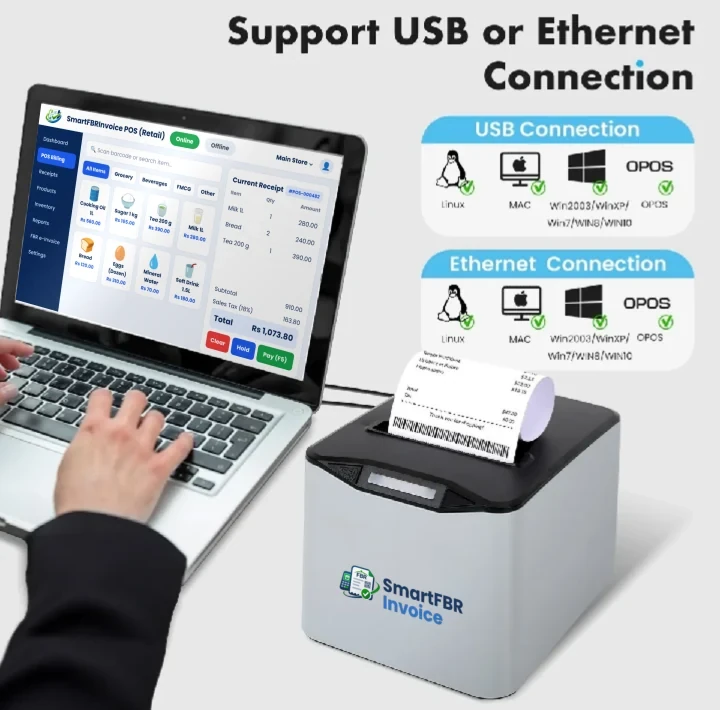
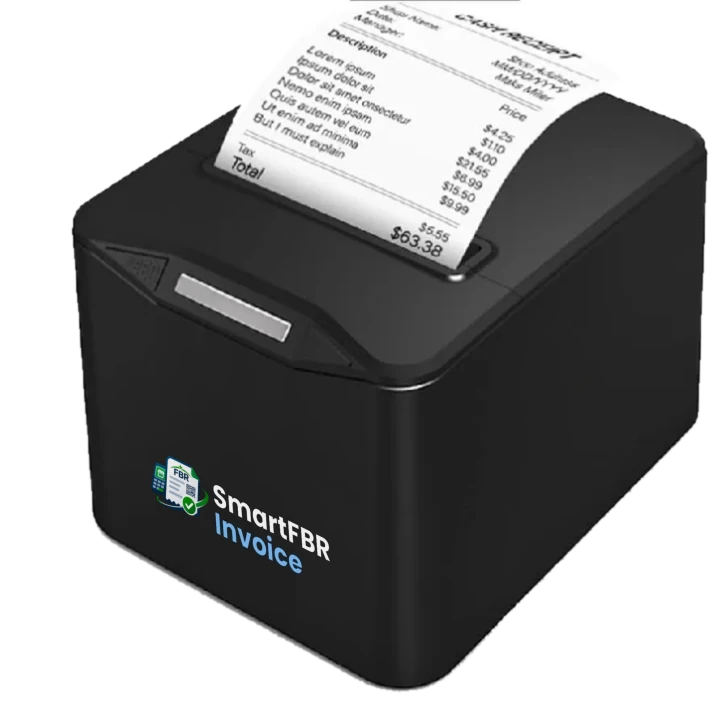
Open POS app ↗View business details ↓Pay for one full year of Barber Shop POS and we include a receipt printer at no extra cost, so you can print invoices from day one.
Free printer applies to the 12-month plan paid in full. Terms apply. Contact us to claim your printer.
This business belongs to Beauty & Personal Care. The guide below outlines the records and controls to prepare for this business type.
Prepare these details for your business setup:
Keep business records, access and reporting in a reviewed company setup.
Identify the company, operating branches, staff roles and authorised cashiers. Company isolation and branch access must be verified before launch.
Review applicable registrations, supply classifications, authority references and effective dates. The business profile itself does not determine tax liability or rates.
Review receipt numbering, customer references, discounts and return approvals for barber shop transactions.
Specify daily collections, item or service activity, outstanding balances, stock where relevant and exception reviews.
Prepare catalog records, opening quantities where applicable, customers and suppliers. Check units and references before importing live data.
Test representative sales, returns, permissions, reconciliation and backups on staging before production acceptance.
This page gives business-specific setup guidance. The POS app records sales locally; it does not submit tax or automatically send sales to the Tax Desk.
Applicability depends on the actual supplies, location, registration and current rules. Review company-specific mappings before enabling tax calculations.
Yes. Use the POS directory to browse all 395 profiles, each with its own page on this website.